1-filters.md
Filters
After initial graph explorations, a large number of objects and relationships may appear. The complexity of these graphs reflects the complexity of the data. To bring clarity, filters are used.
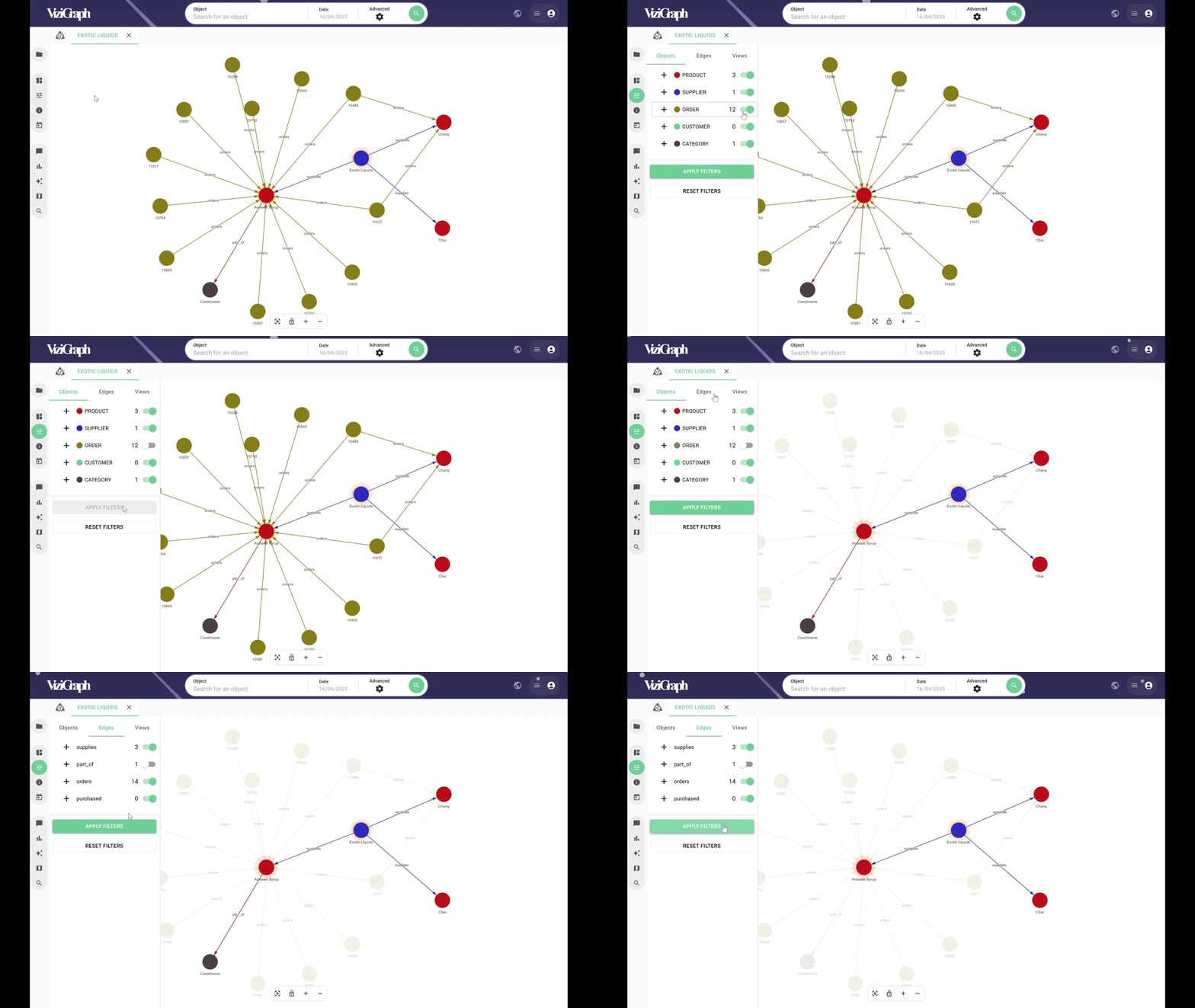
At first, objects and relationships can be activated or deactivated to simplify the graph.
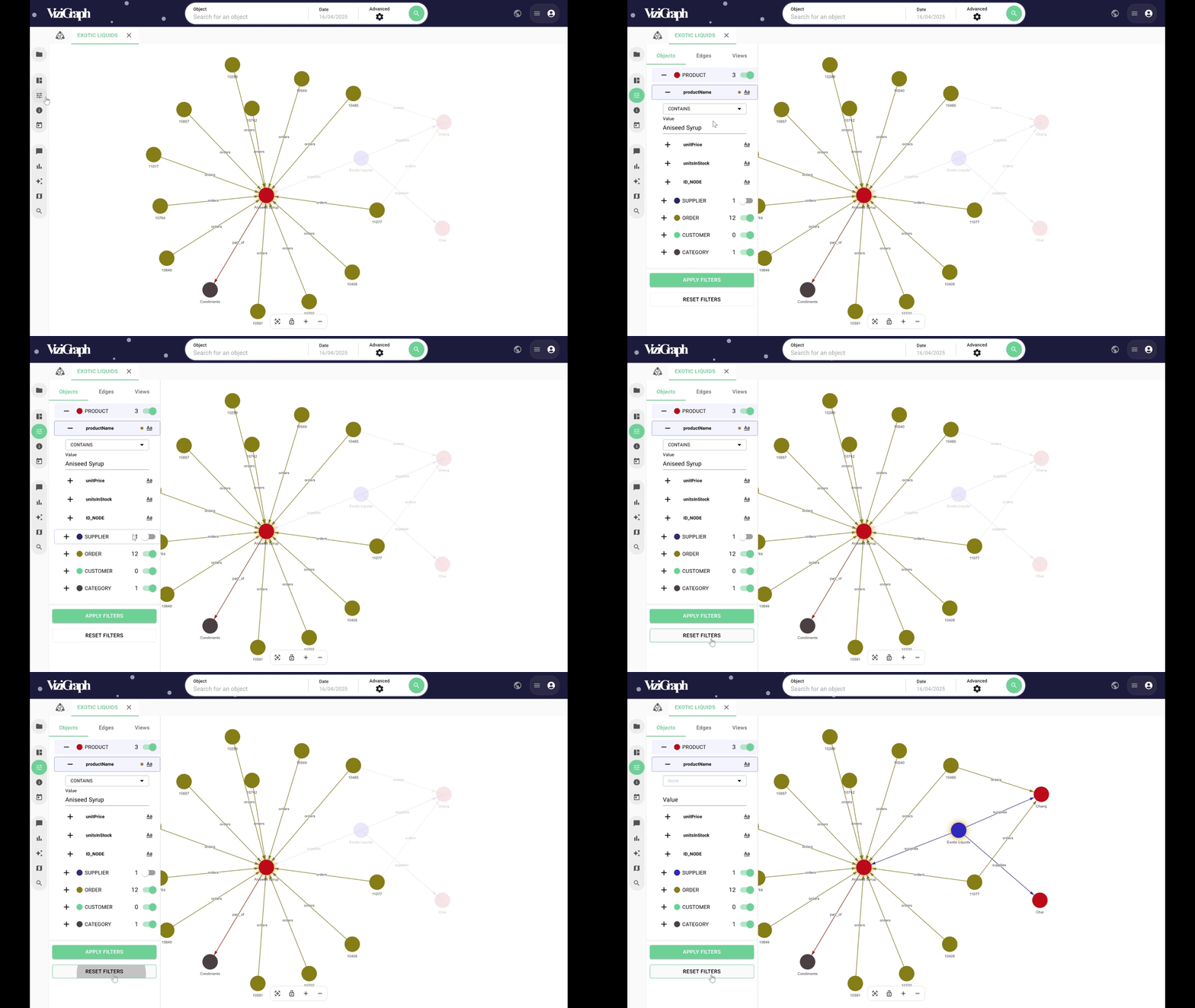
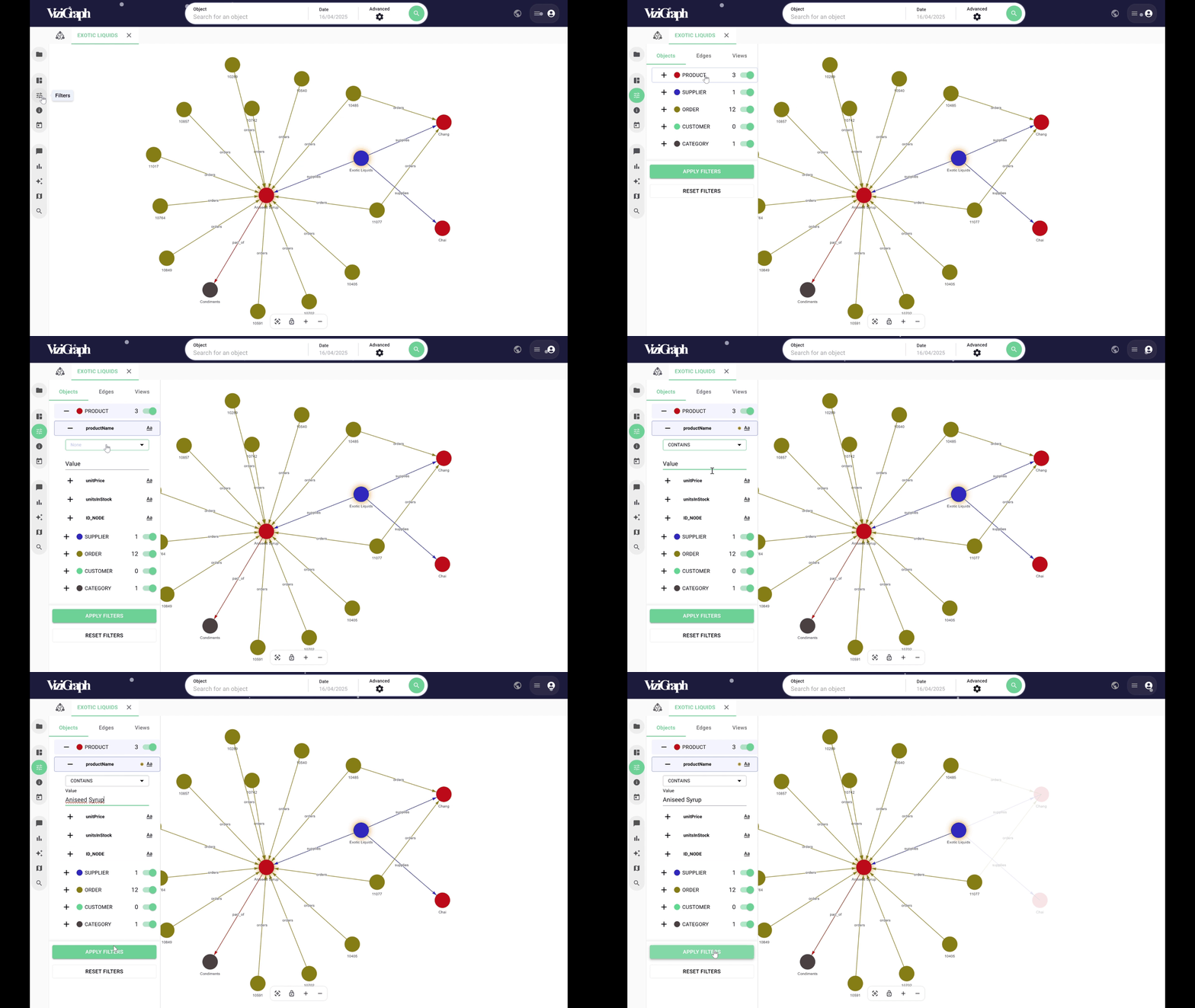
Advanced filters can also be applied to objects and relationships by targeting their attributes.
For example, it’s possible to filter objects whose attribute contains, does not contain, starts with, or ends with a specific value.
The same can be done for relationships. Filters can be combined to highlight the data of interest.
Filters can also be reset at any time.