2-tab.md
Tab
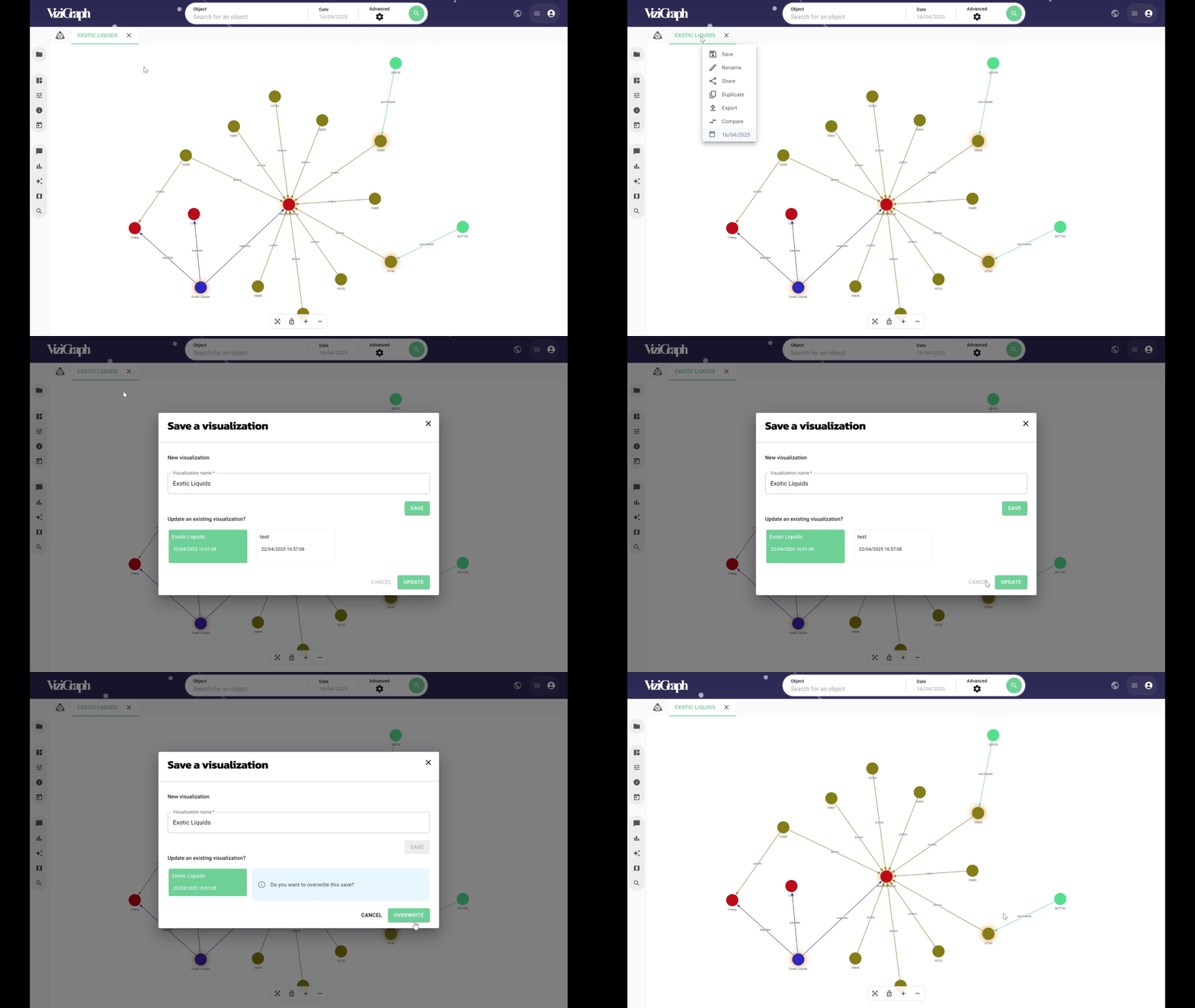
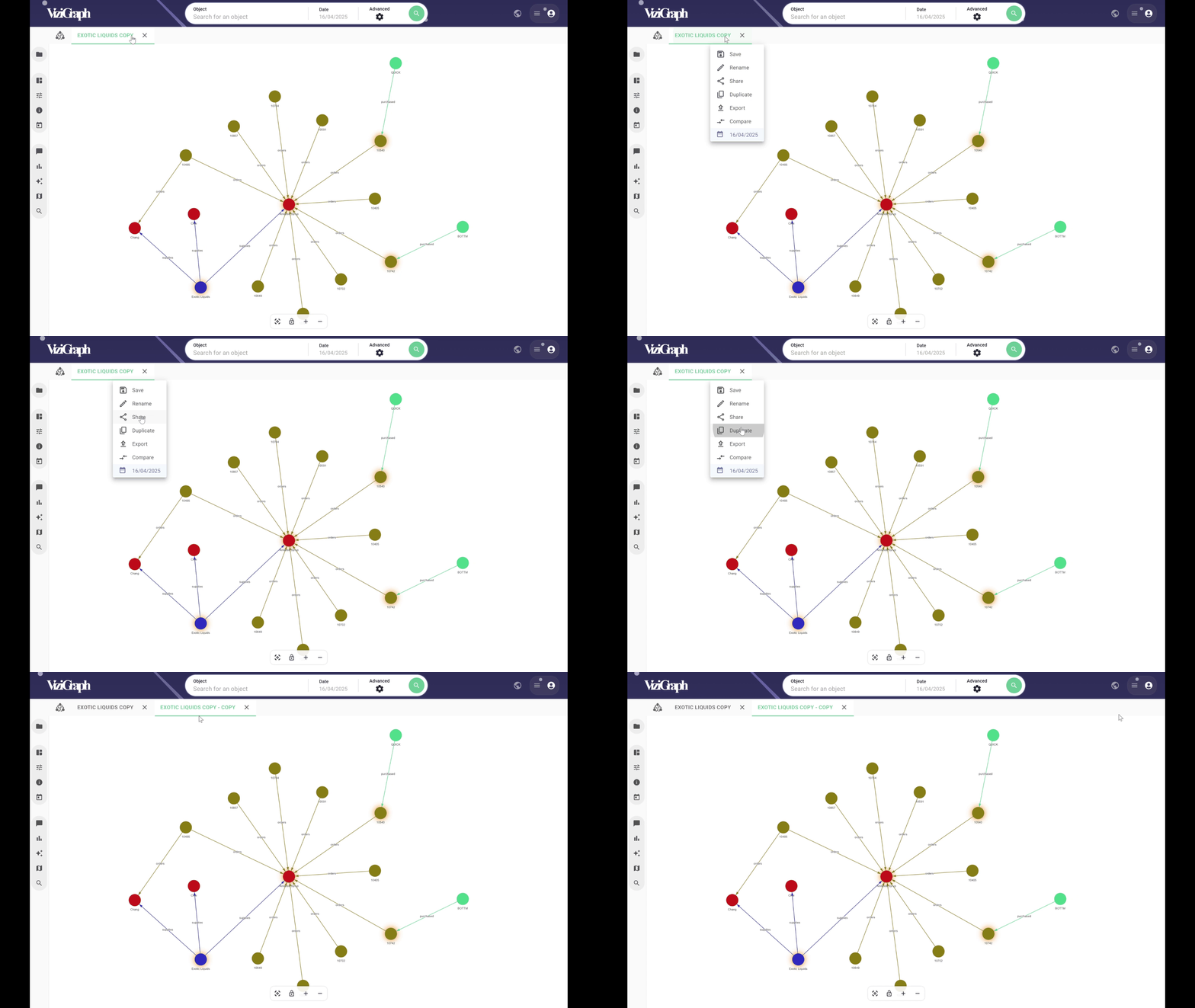
Clicking Save allows the graph to be saved or updated.
To update, the previous save must be selected and overwritten.
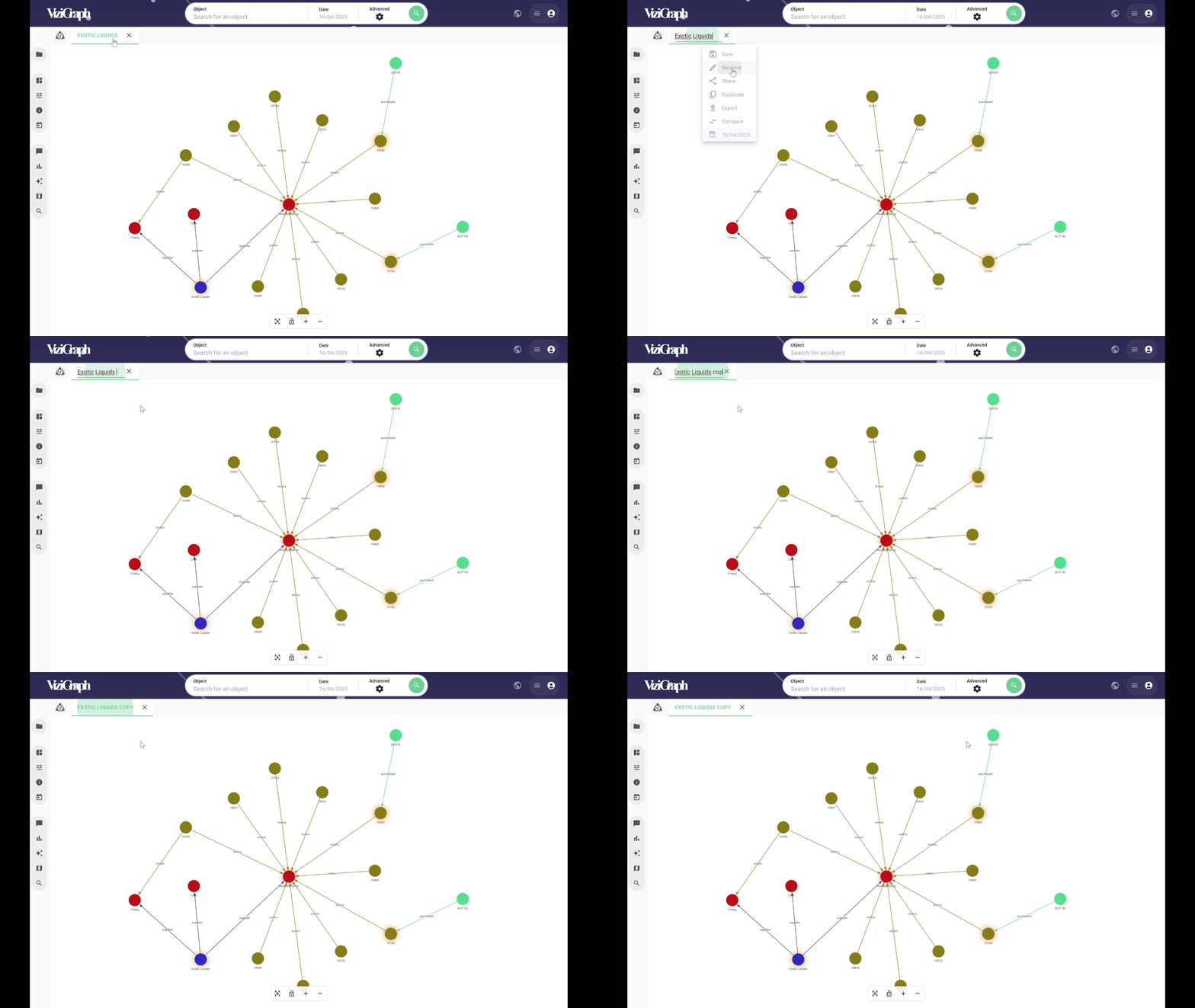
Clicking Rename allows the visualization to be renamed.
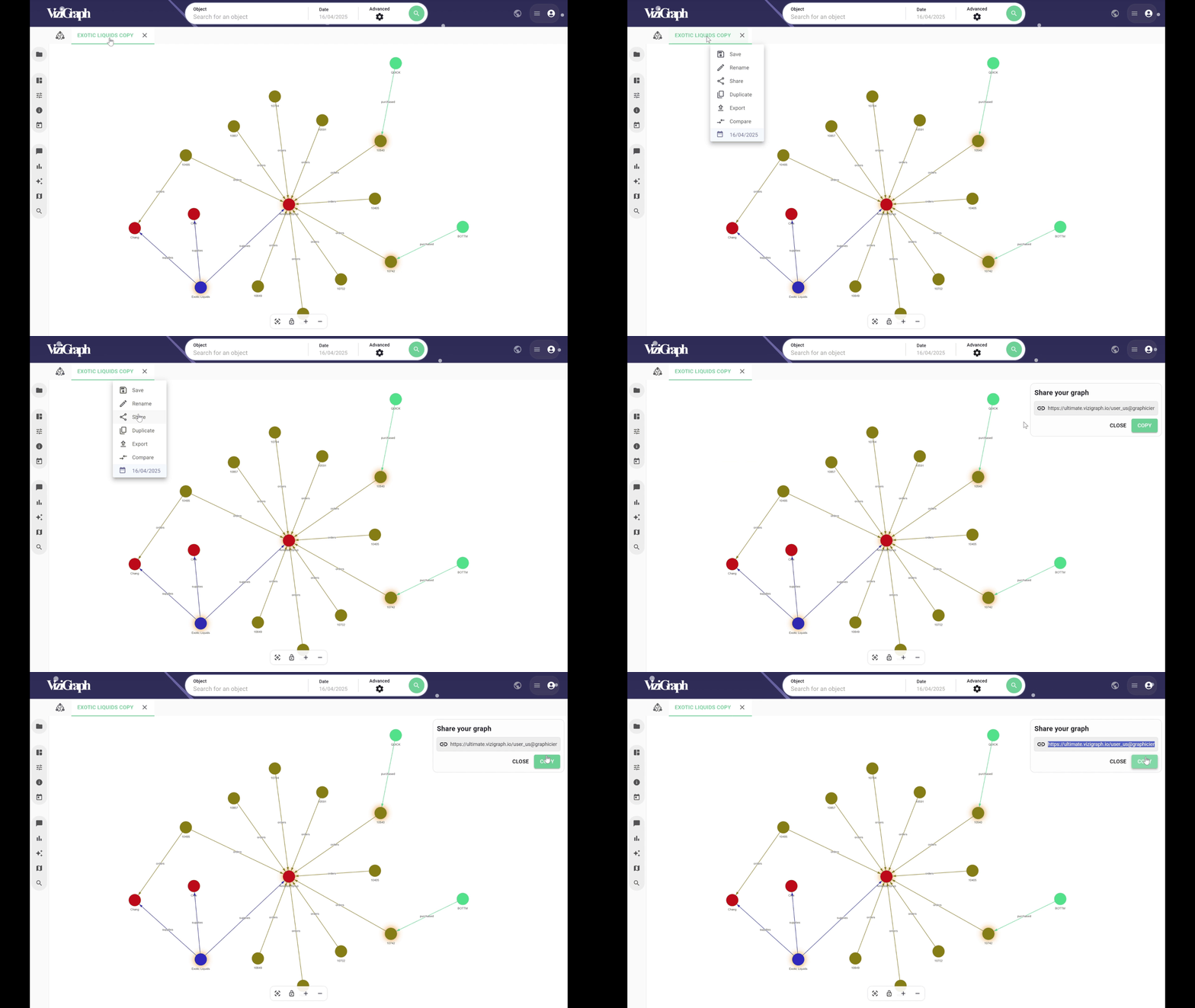
Clicking Share generates a URL that can be copied and shared with other users who have access to the context.
Duplicate creates a copy of the visualization in a new tab.
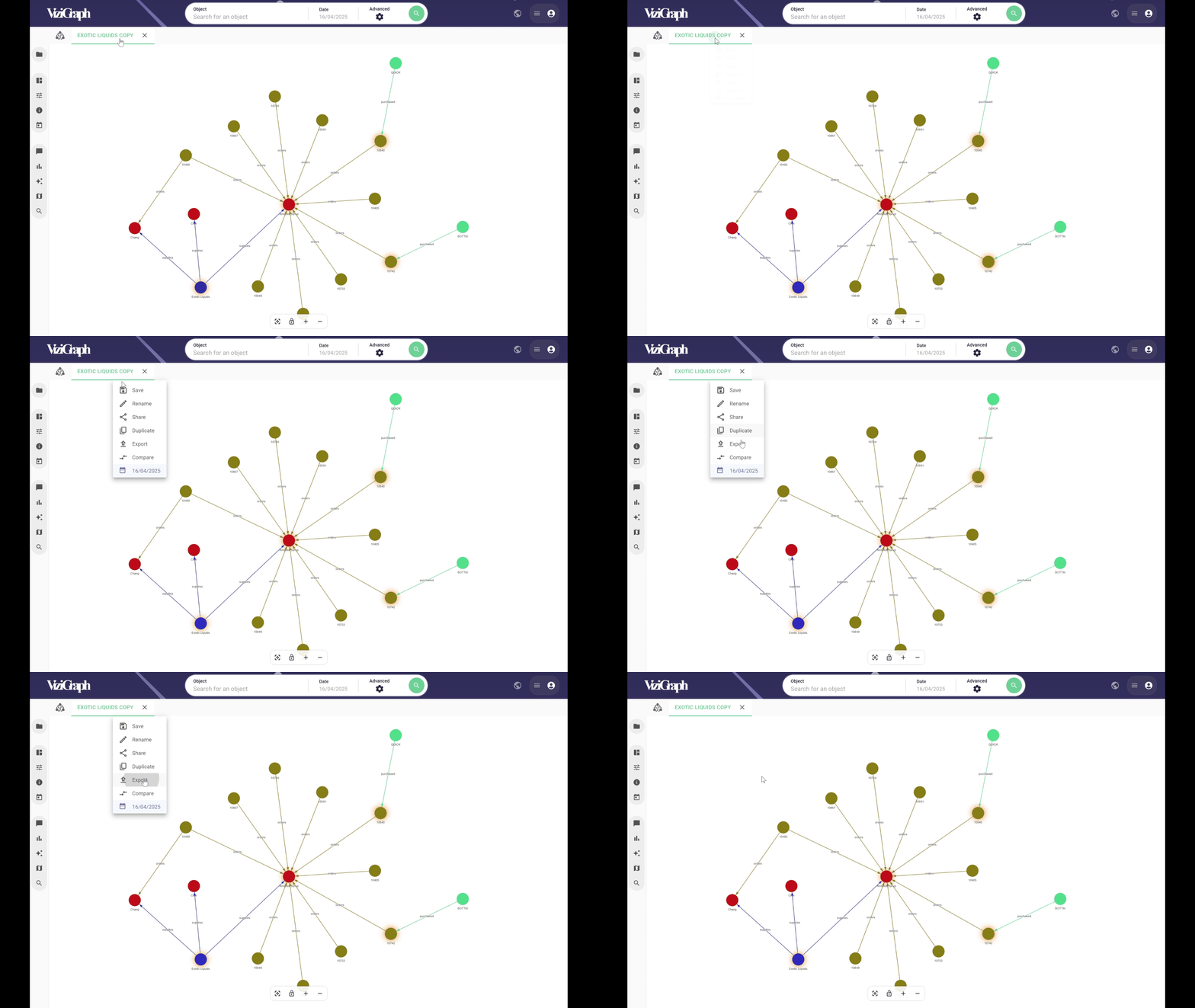
Export enables the data from the visualization to be downloaded in XLSX format.
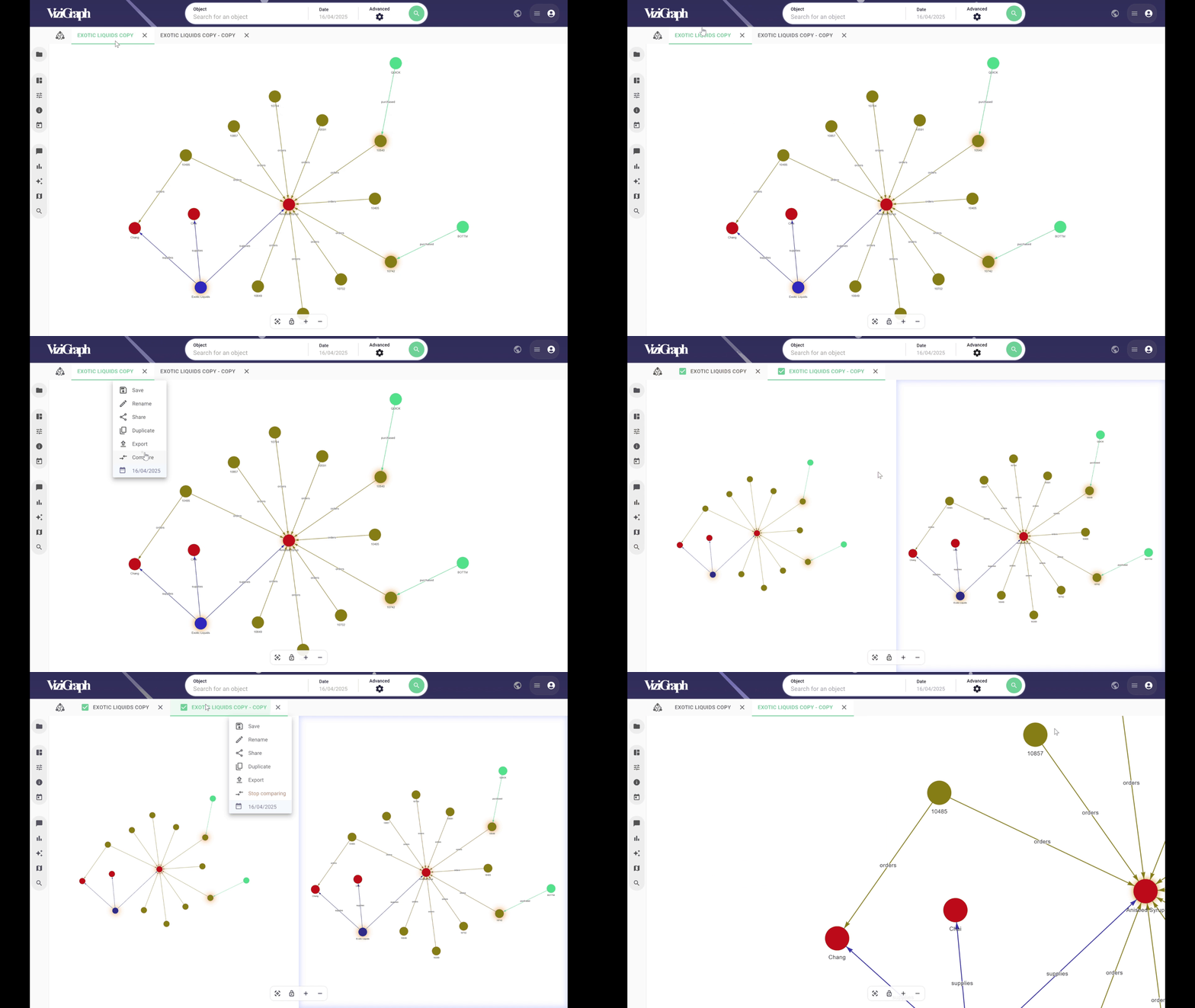
Compare allows multiple graphs to be displayed within the same window. Simply check the graphs to be compared.