1-visualisations.md
Create and Manage Visualizations
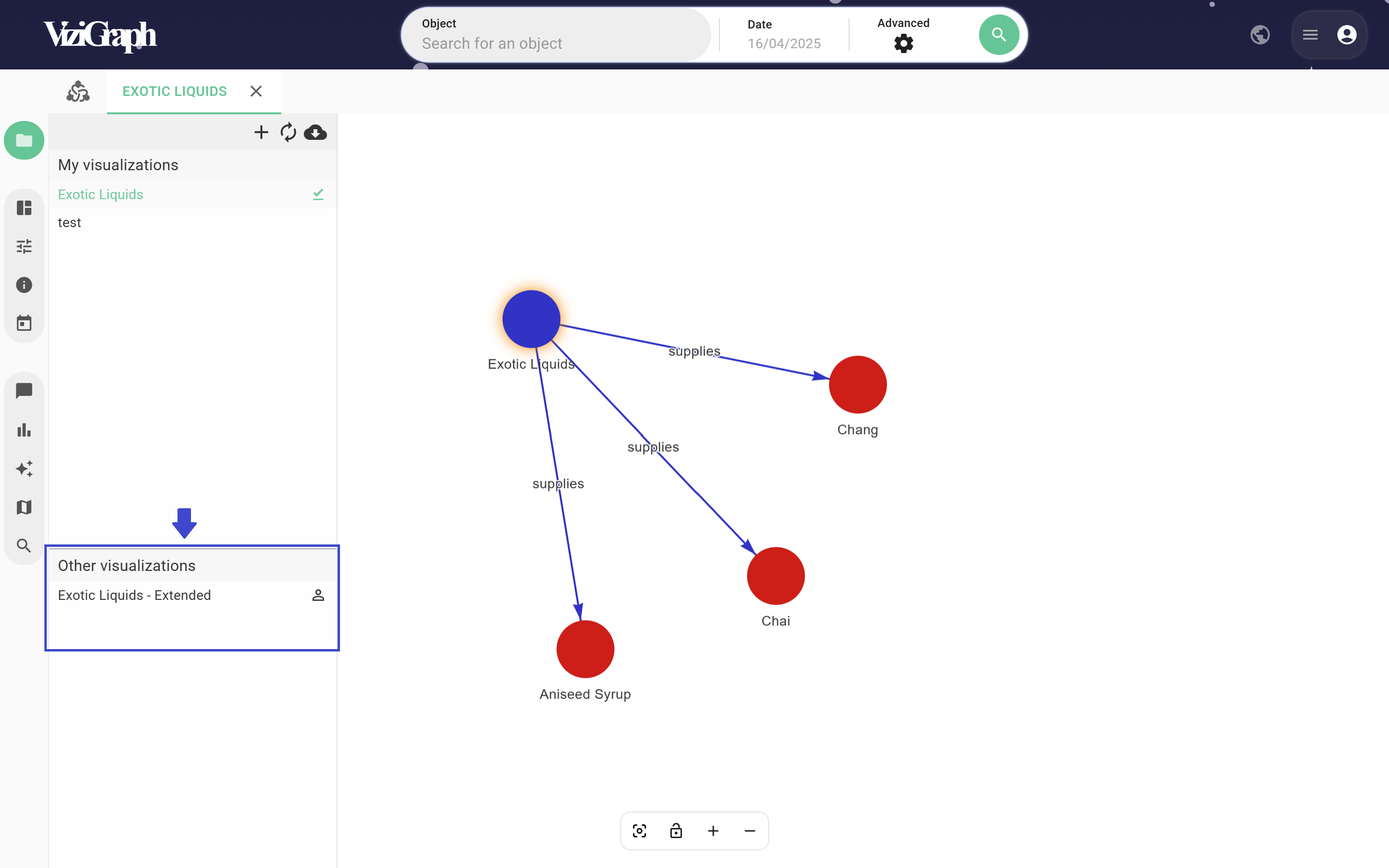
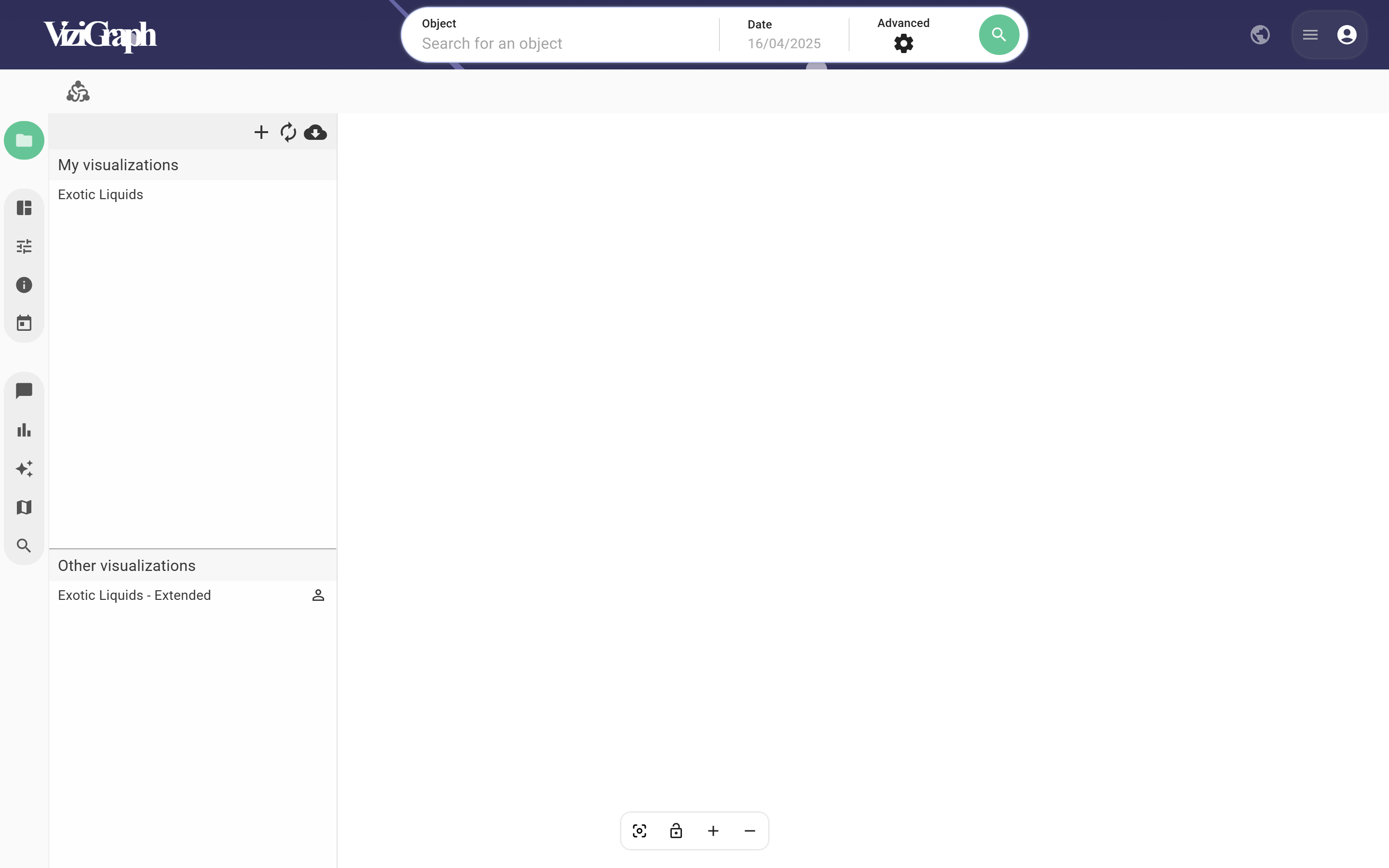
This panel displays all saved visualizations for this environment.
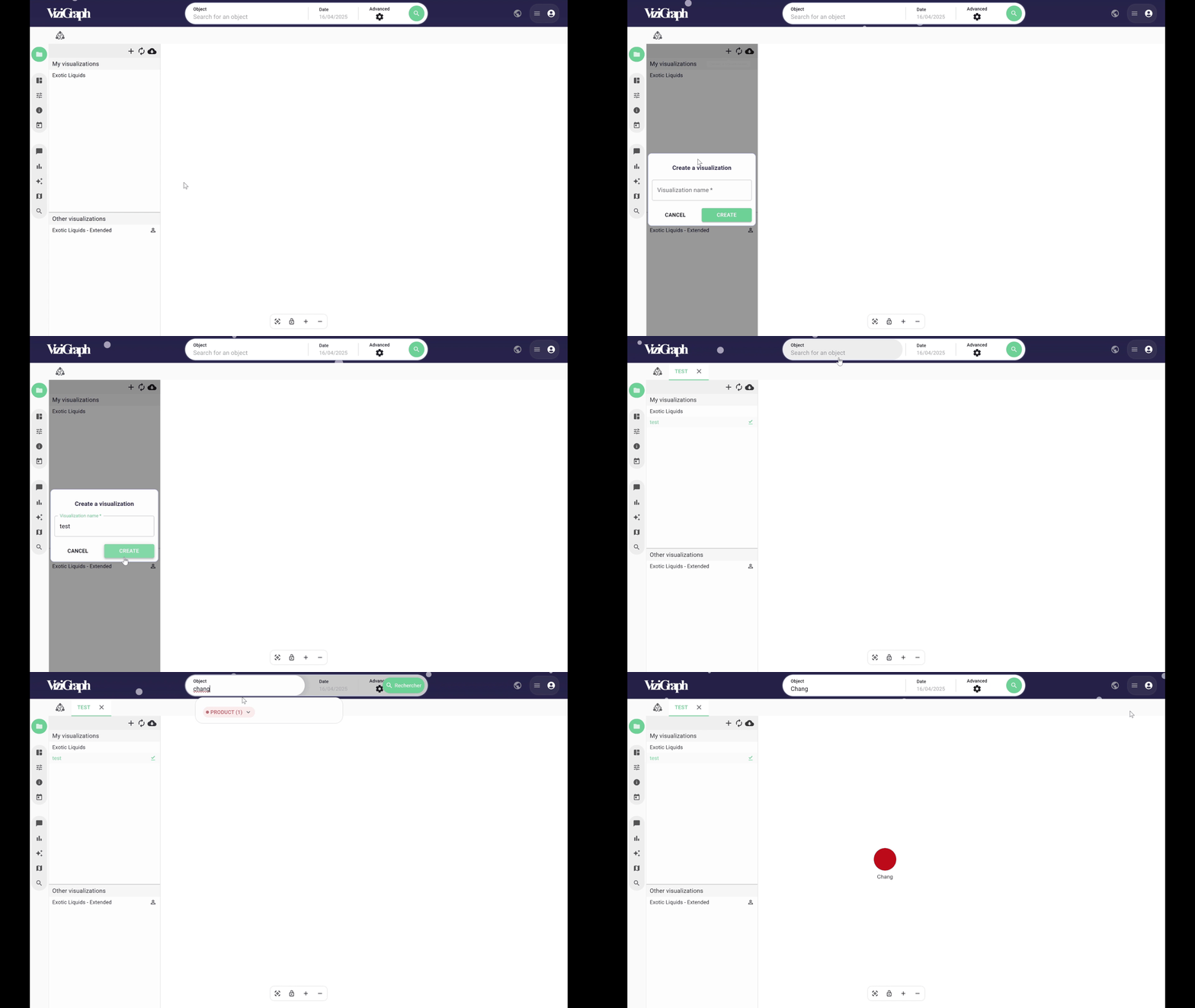
Clicking the “Plus (+)” icon creates a new visualization, which is automatically saved.
This visualization opens in a new tab, where it can be edited.
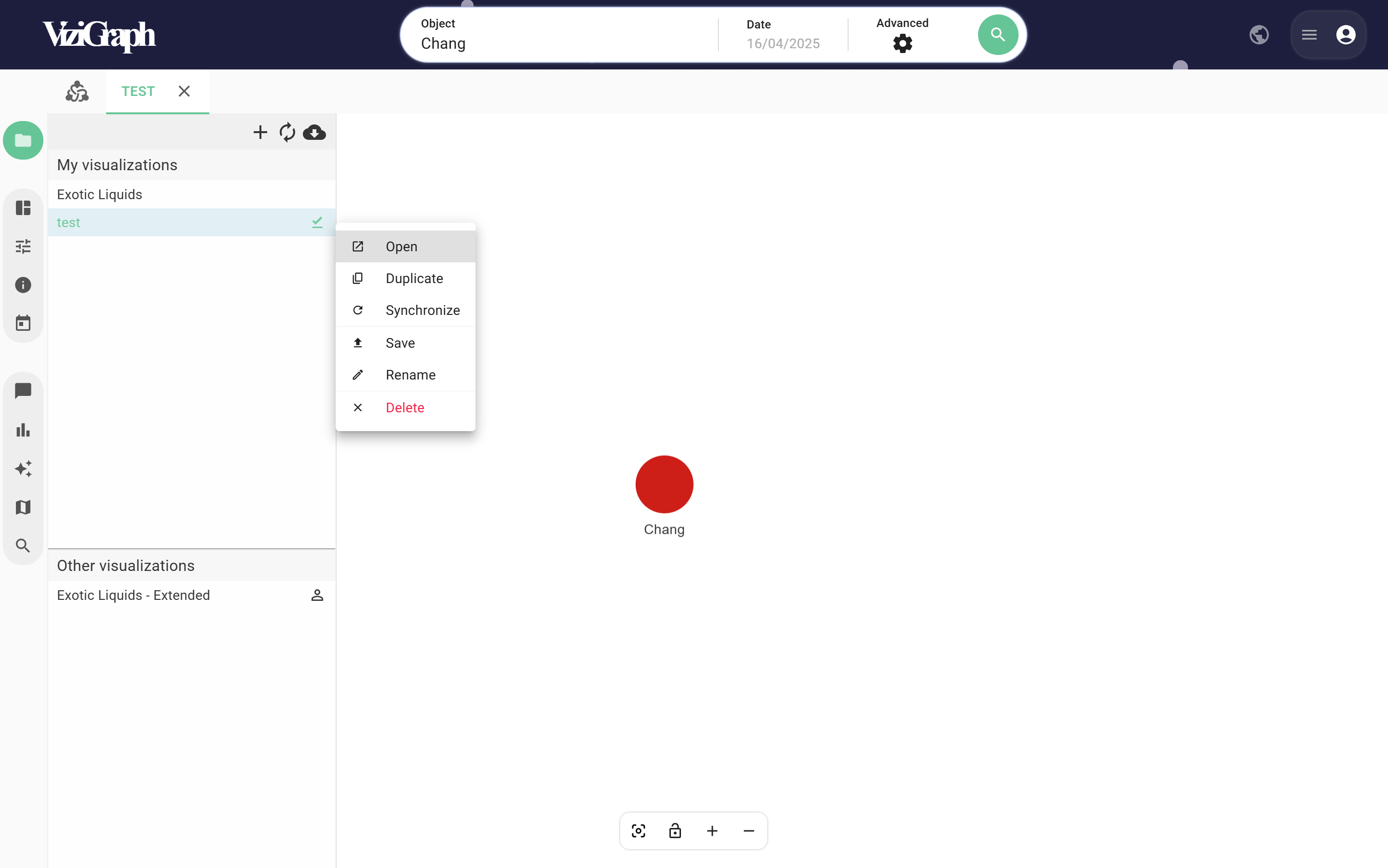
By right-clicking, it can be saved manually, and additional options are available:
- Open
- Duplicate
- Synchronize
- Save
- Rename
- Delete
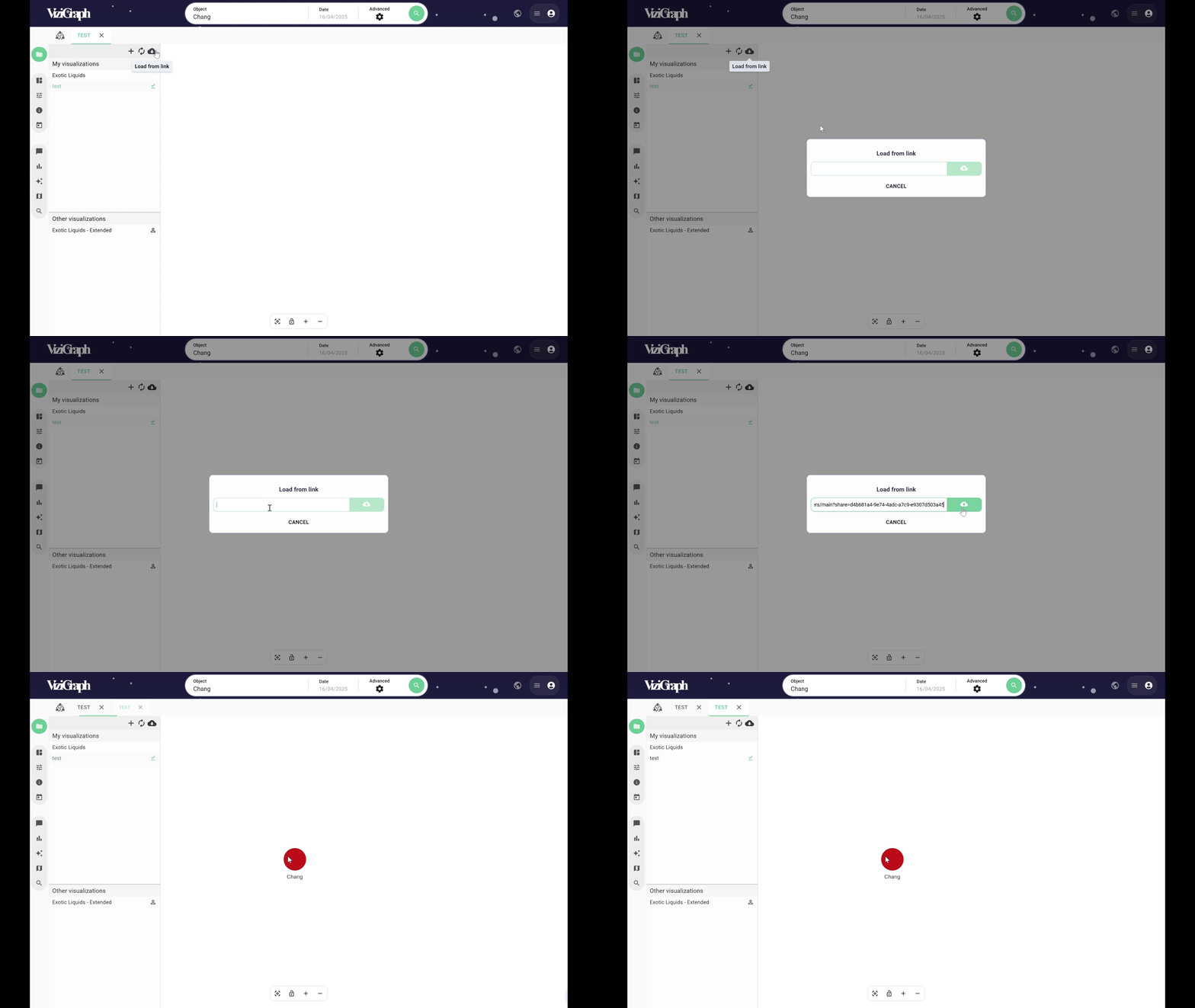
It is also possible to import a visualization using a link shared by another user.
In the “Other Visualizations” section, visualizations created and saved by colleagues are accessible.