1-navigation.md
Navigation Functionality
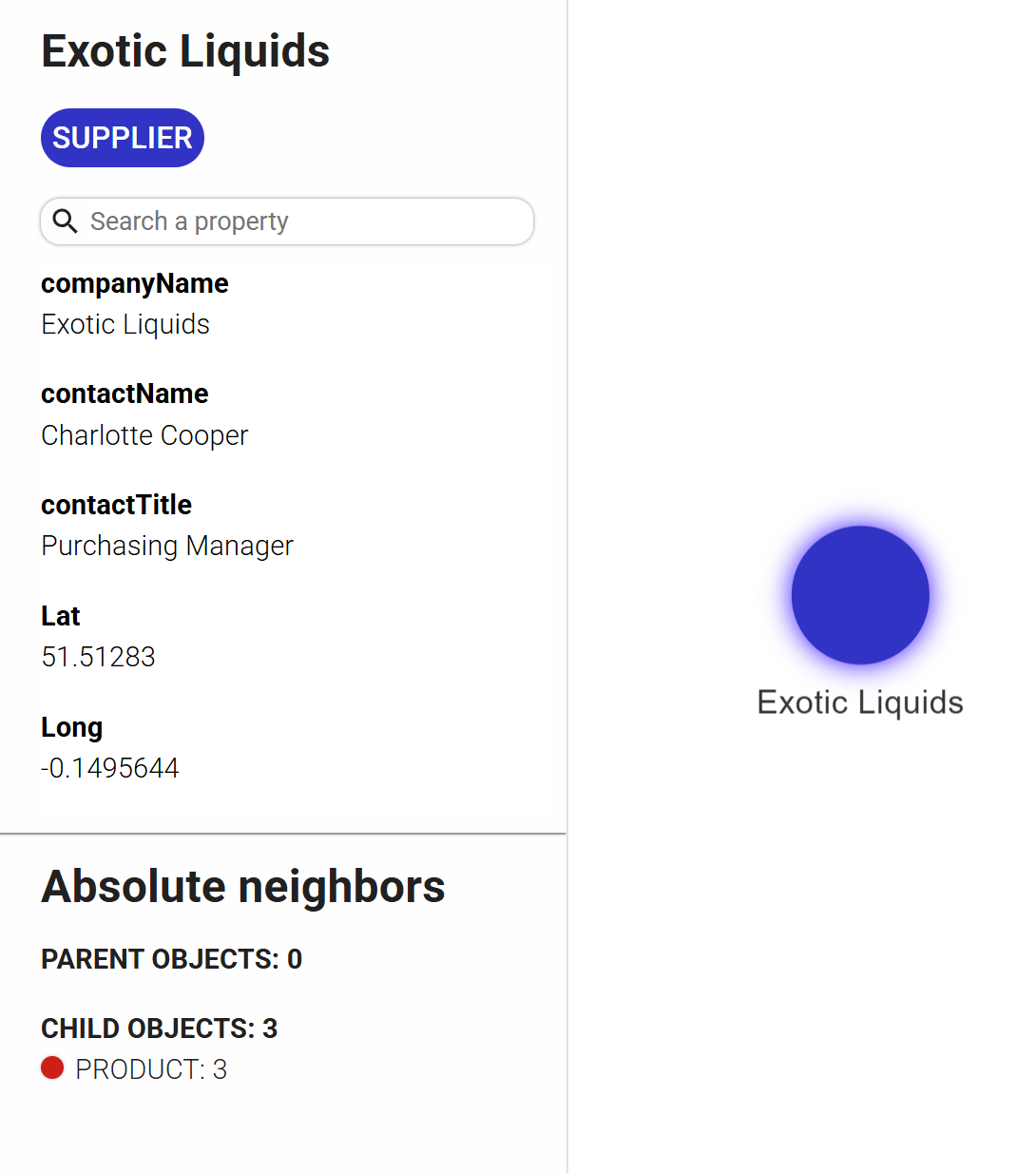
An object can be clicked to view its type and attributes in the left panel.
Information is also available about its absolute neighbors — that is, its parent and child objects, along with their types.
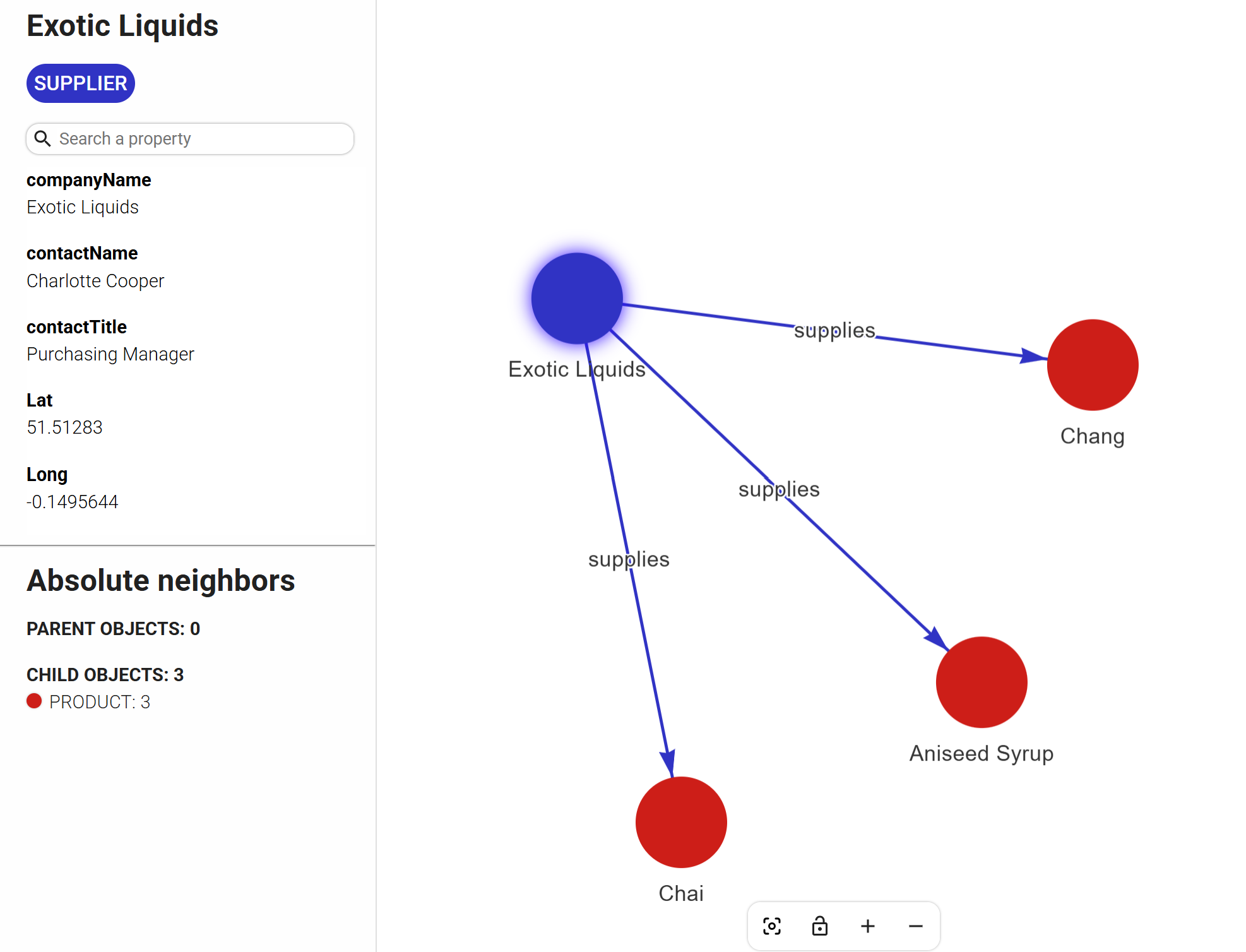
Double-clicking the object opens its neighbors, allowing for step-by-step navigation through the graph.
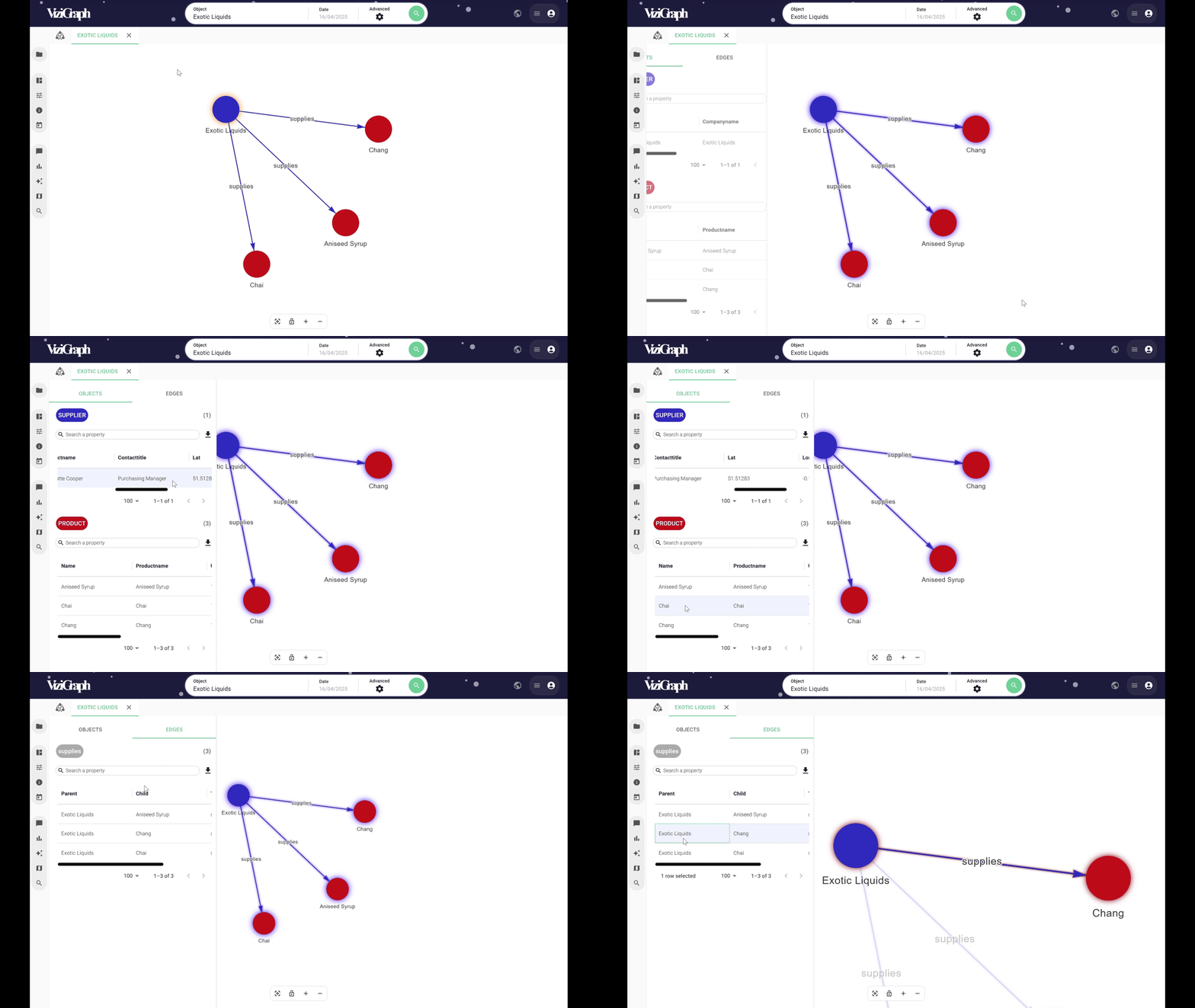
Attributes of a relationship can also be viewed, if desired.
By holding **Ctrl ** and selecting multiple objects, both objects and relationships are listed in the left panel.
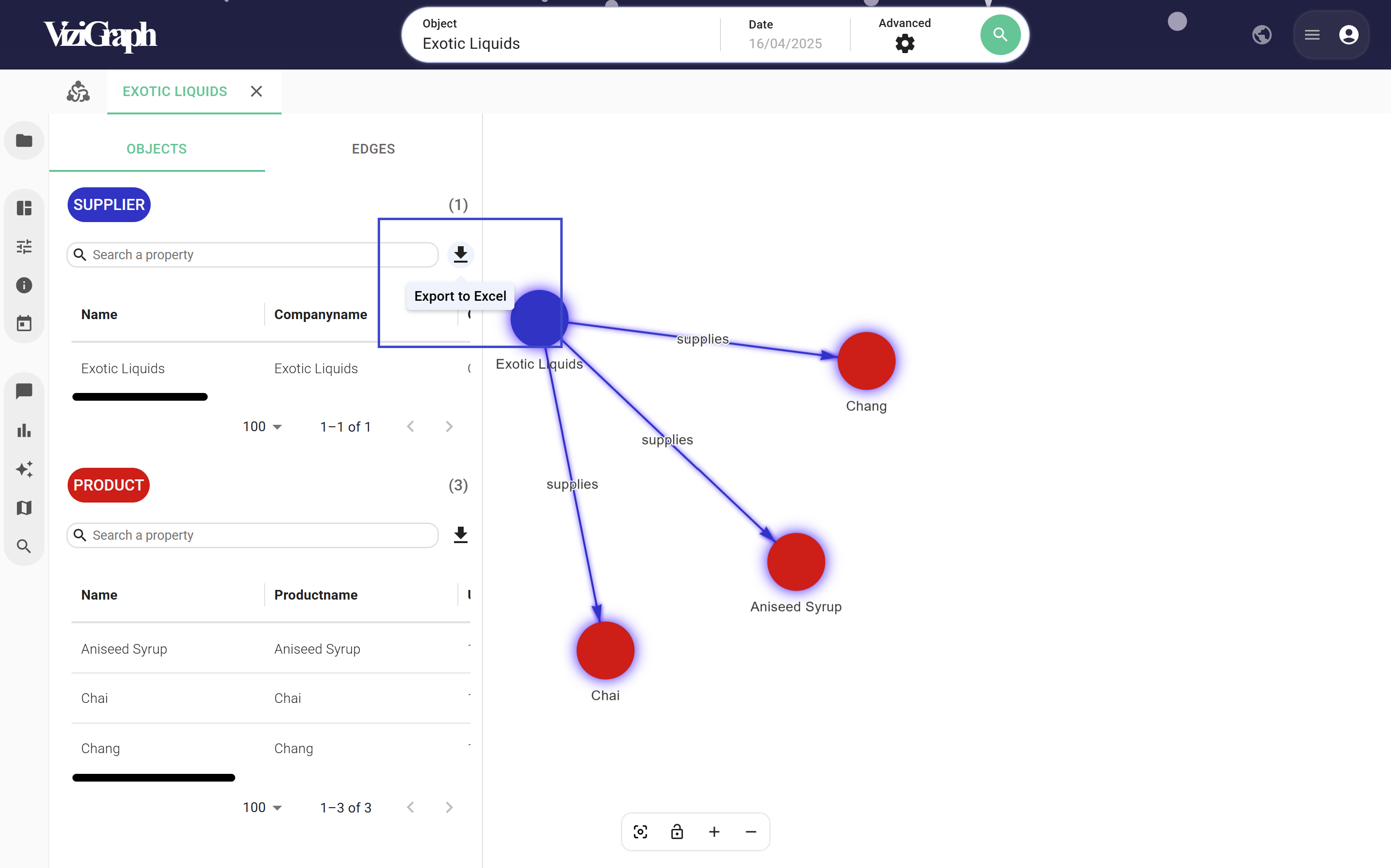
Navigation is possible directly from the tables.
The selected data can also be exported.