1-search.md
Search Functionality
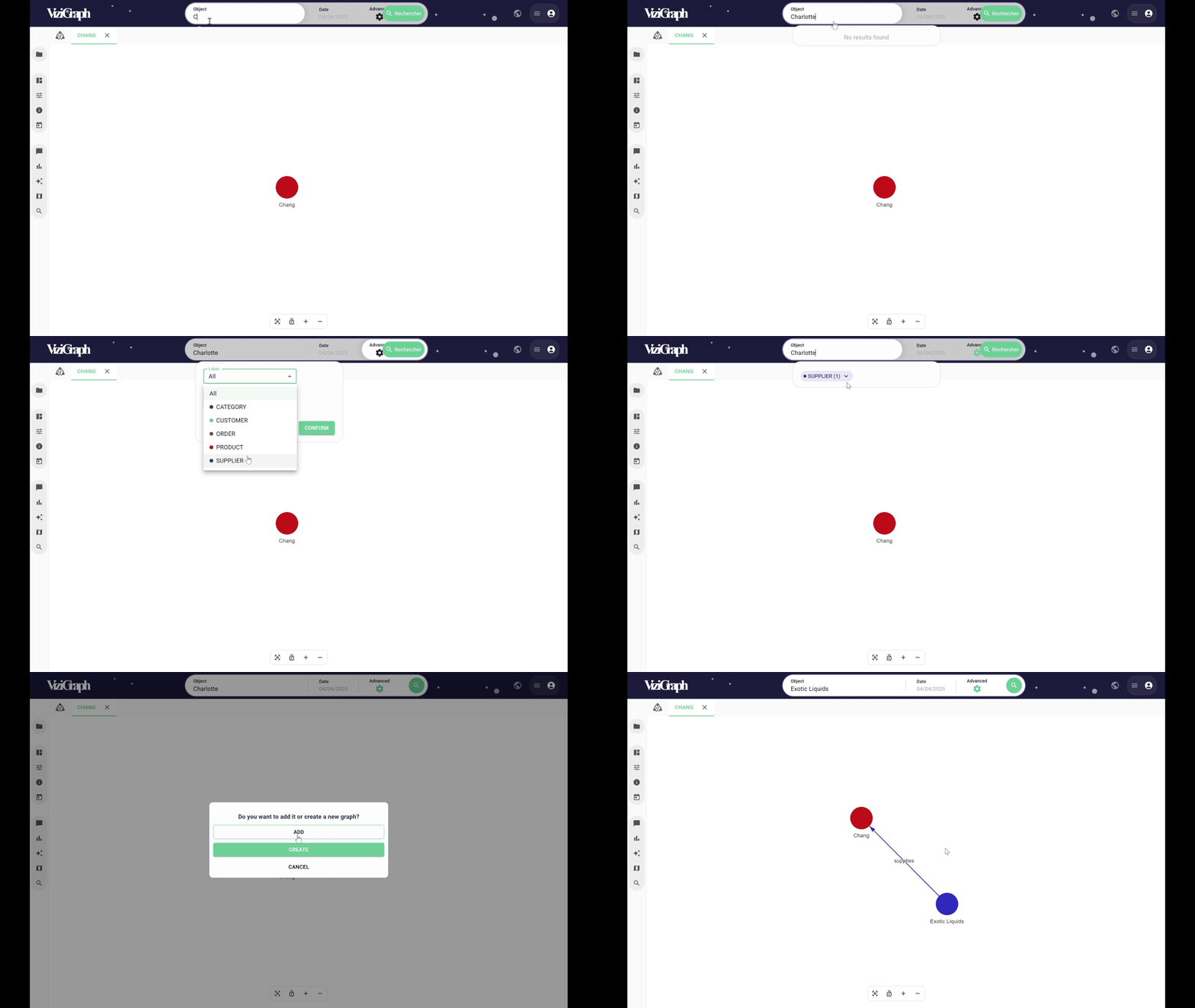
A search field is available that categorizes search results by objects. This search only targets the object identifiers. At least 3 characters must be entered for the search to begin.
The search is limited to a maximum of 20 objects per object type, so it’s important to refine the search as much as possible.
When the desired object is found, clicking on it will display it in a new tab.

A date can also be selected for performing the search.

A more refined search can also be performed on an object’s attribute.
A new object can also be added to an existing visualization by clicking on “Add.”