1-upload_files.md
Upload Input files
Now that the ontology is created, the next step is to move to the data side.
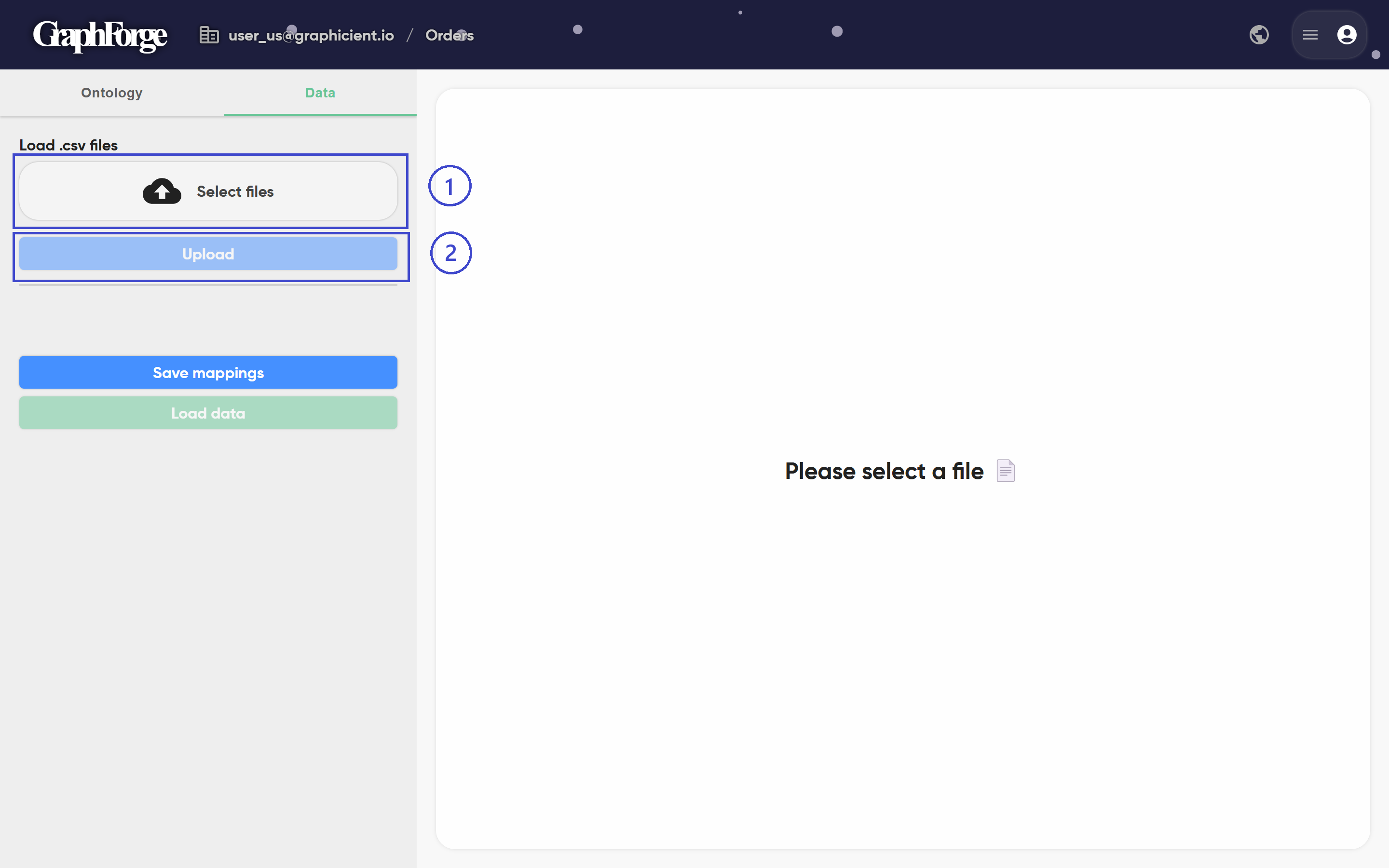
To load data, simply select the files and upload them.
Files should be in CSV format, encoded as ut8, separated with comma, and the first line should contain the headers.
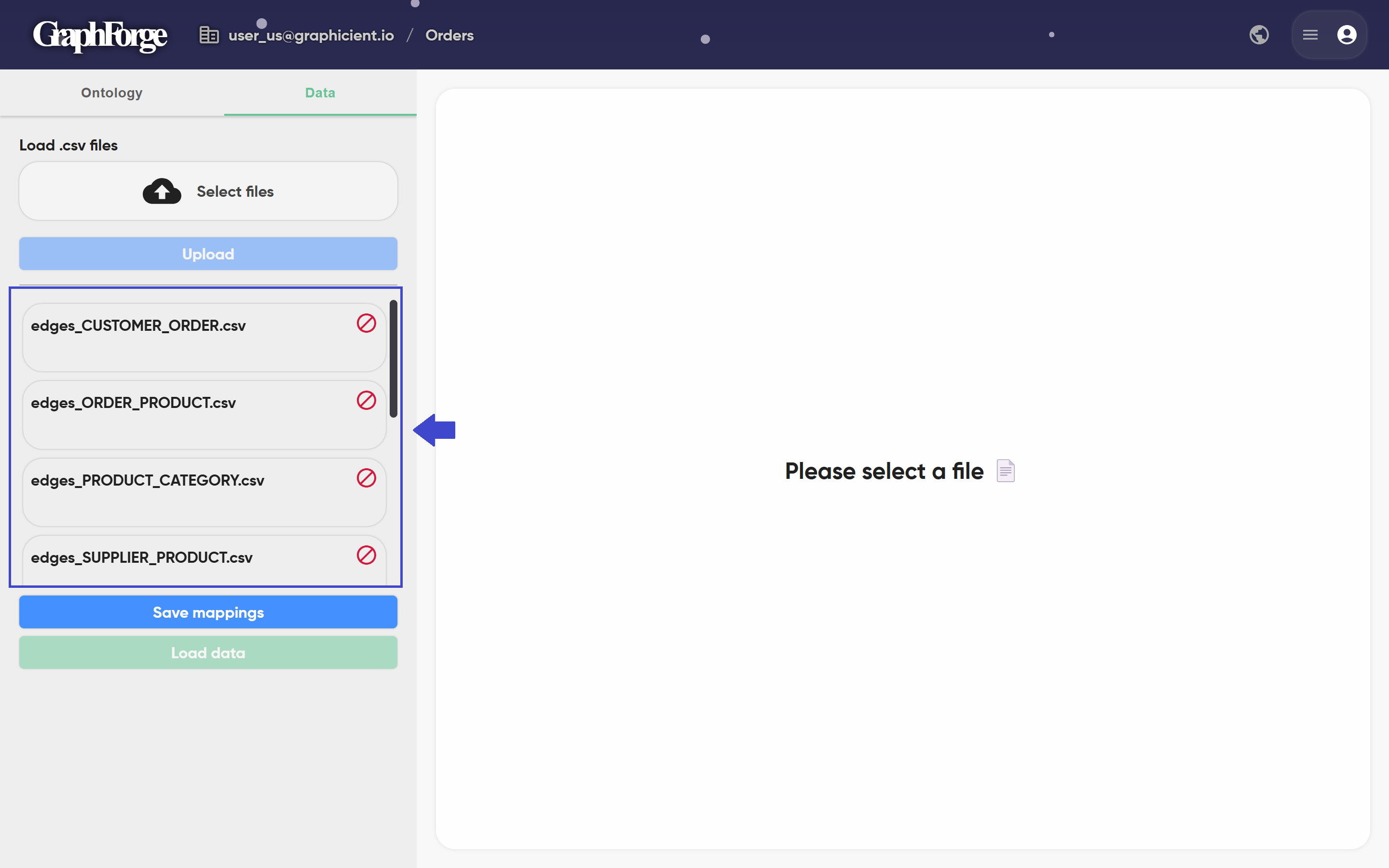
Once uploaded, the files will be listed.
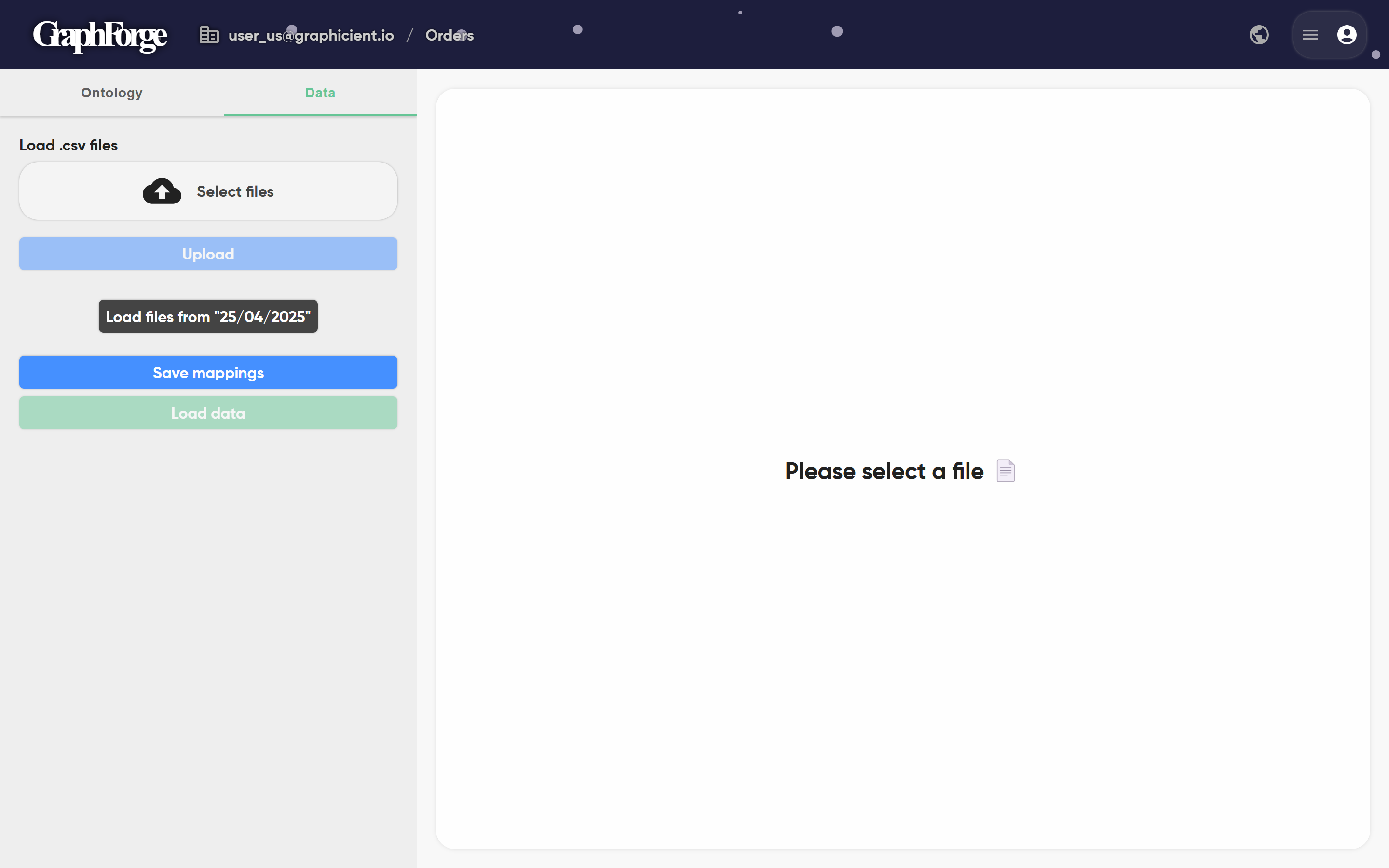
If you already import data in previous days, you can download the files again.
The next step is to map the objects—this means linking the ontology’s objects with the data from the uploaded files.